Keep your AI platform as your business systems change
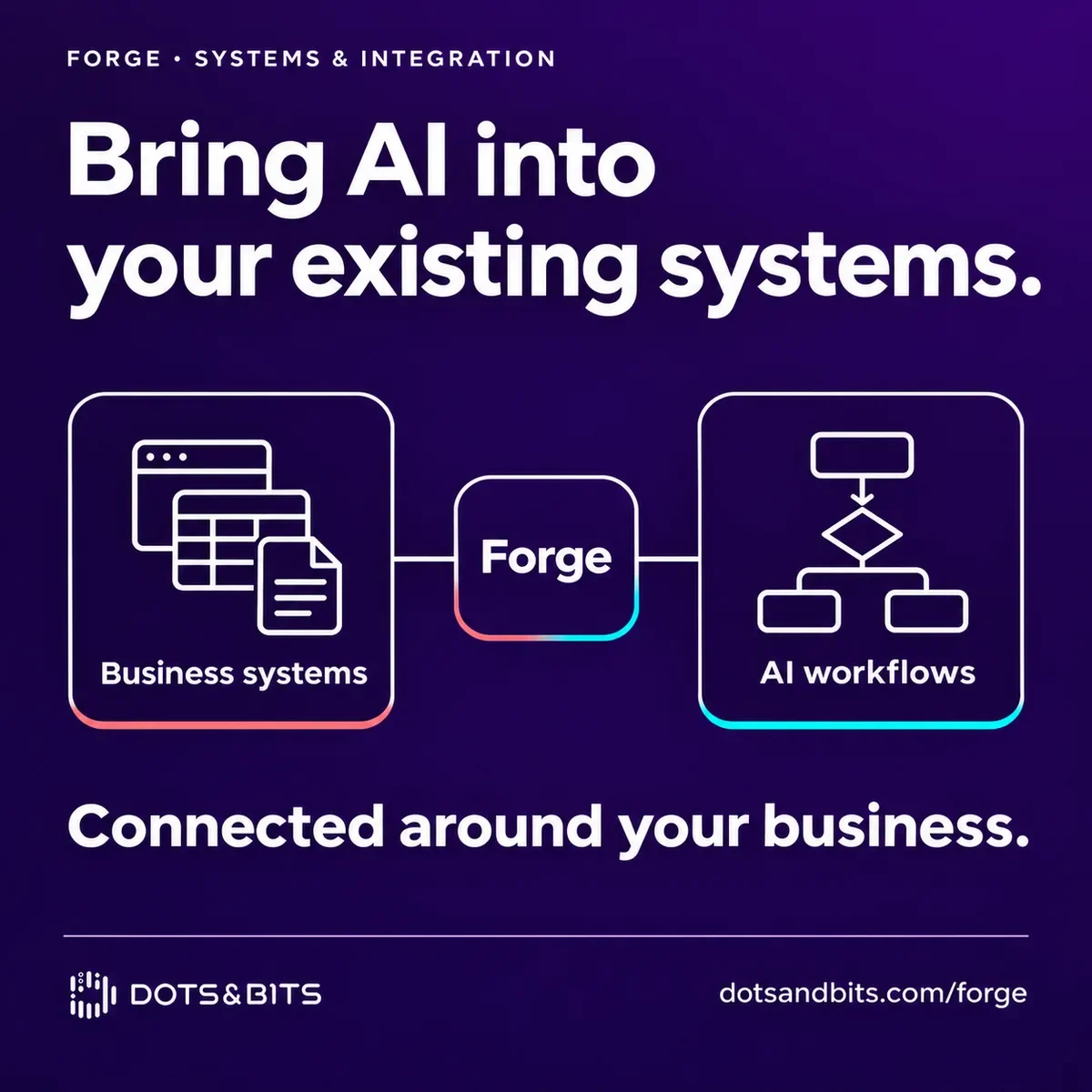
Customer service and scheduling may need the same repair record, even though only one team can book a visit. Forge lets both workflows use the same connection and gives each team the access its work requires. When the source system changes, your engineers have one connector to adapt.
How shared connectors help avoid AI silos
Forge provides a shared gateway and manages credentials centrally. Each connector contains the code for the system or data source it serves. We use an existing connector where it fits or build the one you need. A workflow can read a record through that connection, then use an approved AI service to work with the information it may receive. The AI Strategy module sets which model handles that step.
Suppose a customer service assistant checks the status of a repair. When the scheduling team builds an assistant to book the next visit, it can use the same connector. Customer service only needs to read the repair status. Scheduling also needs permission to book a visit. Your engineers have one connection to maintain, and you decide what each assistant may do.
When can scheduling offer a return visit?
Your service team books a return visit as soon as a technician orders a spare part. When deliveries run late, customers have to reschedule. To avoid this, the team changes its booking rule. It now offers a date only after the warehouse confirms the part has arrived.
In Forge, the scheduling workflow now waits for the part status to change from “ordered” to “received”. Both statuses already come through the shared connector, so customer service can use the same repair record to explain the wait.
Your team can extend the connector
Your team receives the source code for the Forge components used in your project, including the connector. If your service system also records when a spare part is due, your engineers can extend the connector to show that date to customer service.